Write match reports on your phone and share them
Log goals, cards and key moments during the match. SportMember builds the report, tops the news feed with it and gives it a link.
A proper match report in a few clicks
Your players have just played a spectacular match and you want to share it quickly, with a nice layout. SportMember’s match report module lets you create a report after every match with just a few clicks.
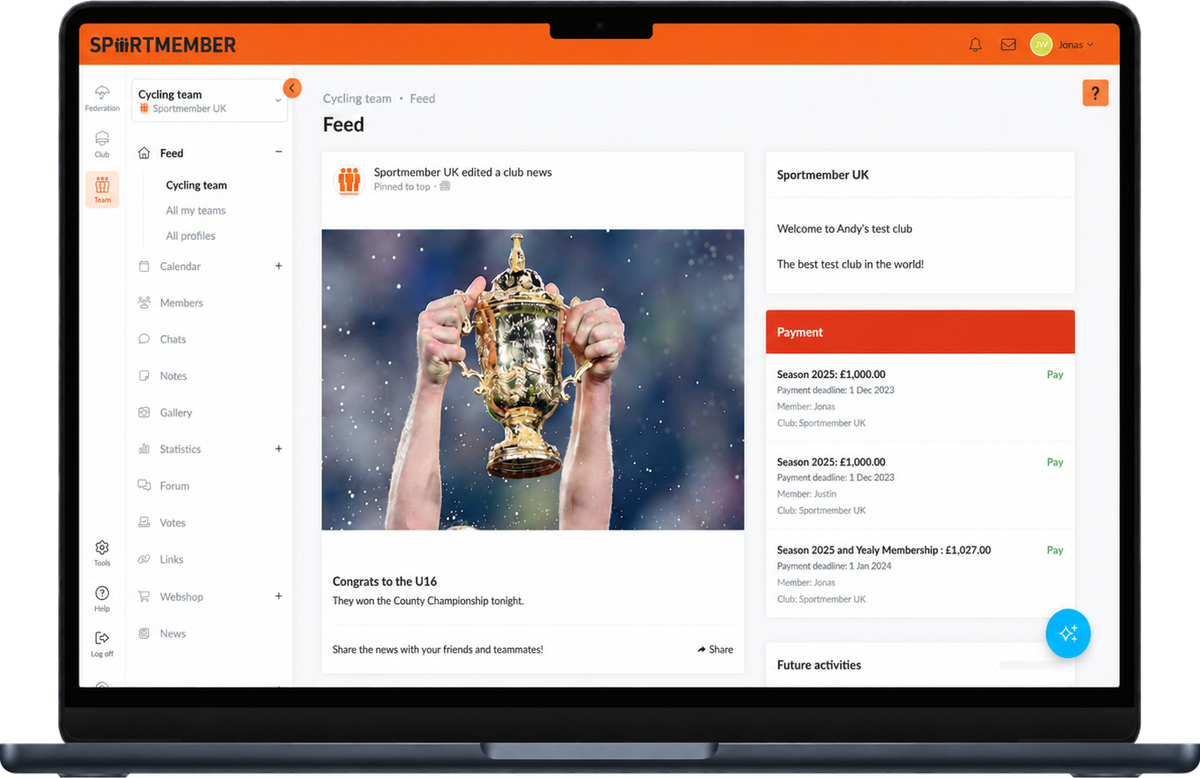
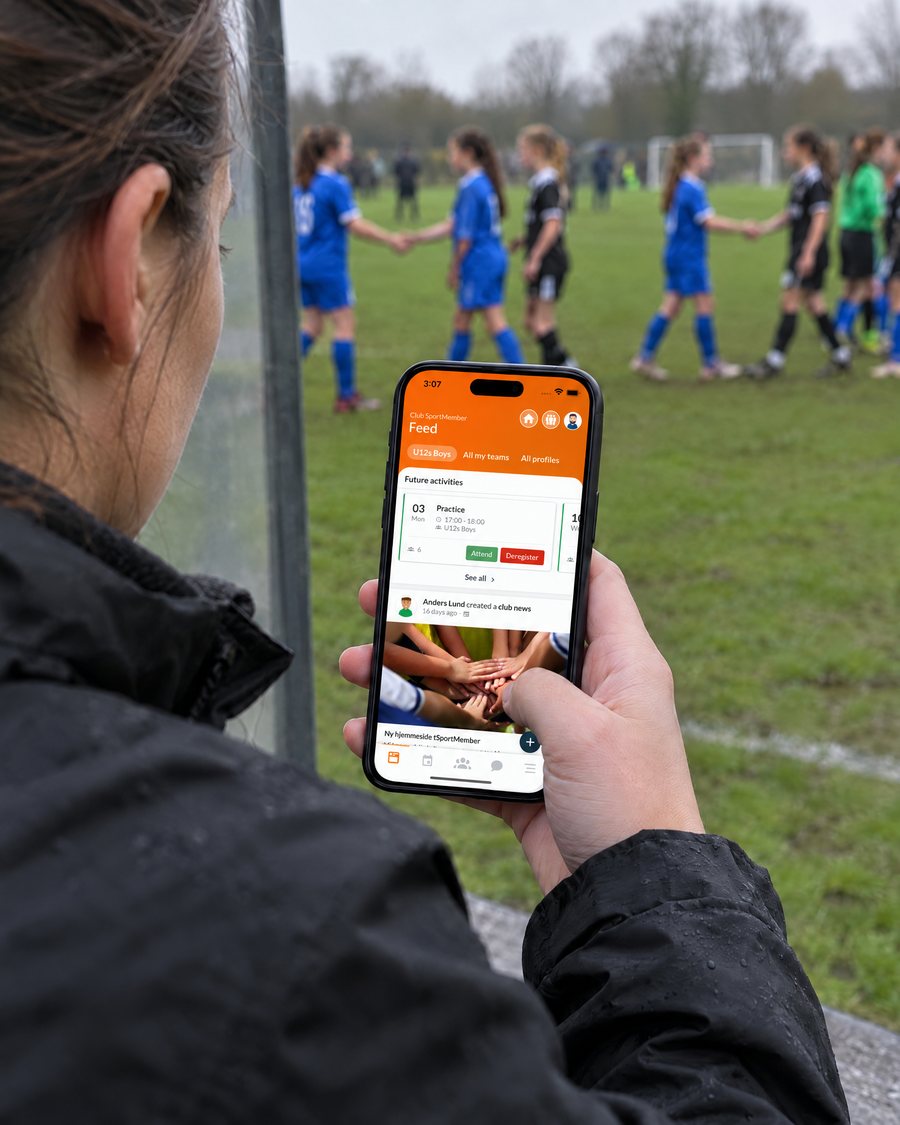
It is not just boring text: the report presents images and the most important events of the match in a modern way, and it lands where the team already looks – the News Feed in the SportMember app.
- Log events as the match unfolds
- Result, logos, text and photos
- Share with one click
Match report
Full timeFrom the final whistle to the news feed
Everything you need to document the match – and get it in front of players, parents and fans.
Select the event, the player and the minute
As soon as a match has been created in your calendar, you can create an online match report. Even during the match, someone can sit on the bench and start filling it in.
The interface is simple: select the event, the person or people involved and when it happened. For a red card, you select the red card, the player and the minute – and save. From this data SportMember generates a clear graph of the match’s progress.
- Goals, cards and key moments
- Start the report during the match
- Automatic graph of the match
Match events
LiveFinal score, logos, text and images
Add the final result and the logo of the opposing team. Most clubs already have their own logo in SportMember, and it is added to the report automatically.
Write a few lines about the match and add images – SportMember puts the elements together into a clear match report that looks good on every screen.
- Final result and opponent logo
- Your club logo added automatically
- Text and images
Top of the news feed – and anywhere else
Click “Save” and the report is available to all team members, placed at the top of the News Feed so they see it first. Club officials have access too, and a menu item at club level collects all of the club’s match reports.
Share on social media with one click in the app – Facebook, WhatsApp or Messenger – or from the computer. Every report has its own URL.
- Top of the team’s News Feed
- All reports collected at club level
- Own URL for every report
Share match report
One clickThe story of the season, in one place
Done before the drive home
Log the events from the bench and the report is almost finished when the referee blows the final whistle.
A club archive
Every report is saved and collected at club level, so the season’s results are always easy to find.
Stats that add up
Goals and cards from the match feed nicely into the team’s stat tracker for the season.
What clubs say about SportMember
“A very intuitive app for organising sports teams.”
“The app is really good for organising all our dates and events.”
“A really good app that gives you an easy, clear overview day to day.”
Why write match reports in SportMember?
Match reports usually end up as a long post in a group chat or never get written at all. In SportMember the report is quick to create, looks good, and reaches the players, parents and club officials automatically.
Before the next match, the coach can plan the team in the lineup builder – linked to the same calendar.
Frequently asked questions about match reports
How do I create a match report?
Can I fill in the report during the match?
What goes into a match report?
Who can see the report?
Can I share match reports on social media?
Ready to write your first match report?
Set up your club for free, add the next match to the calendar and write the report straight after the final whistle.
Free Basic plan · No commitment · Ready in minutes