An info screen for the clubhouse, fed by SportMember
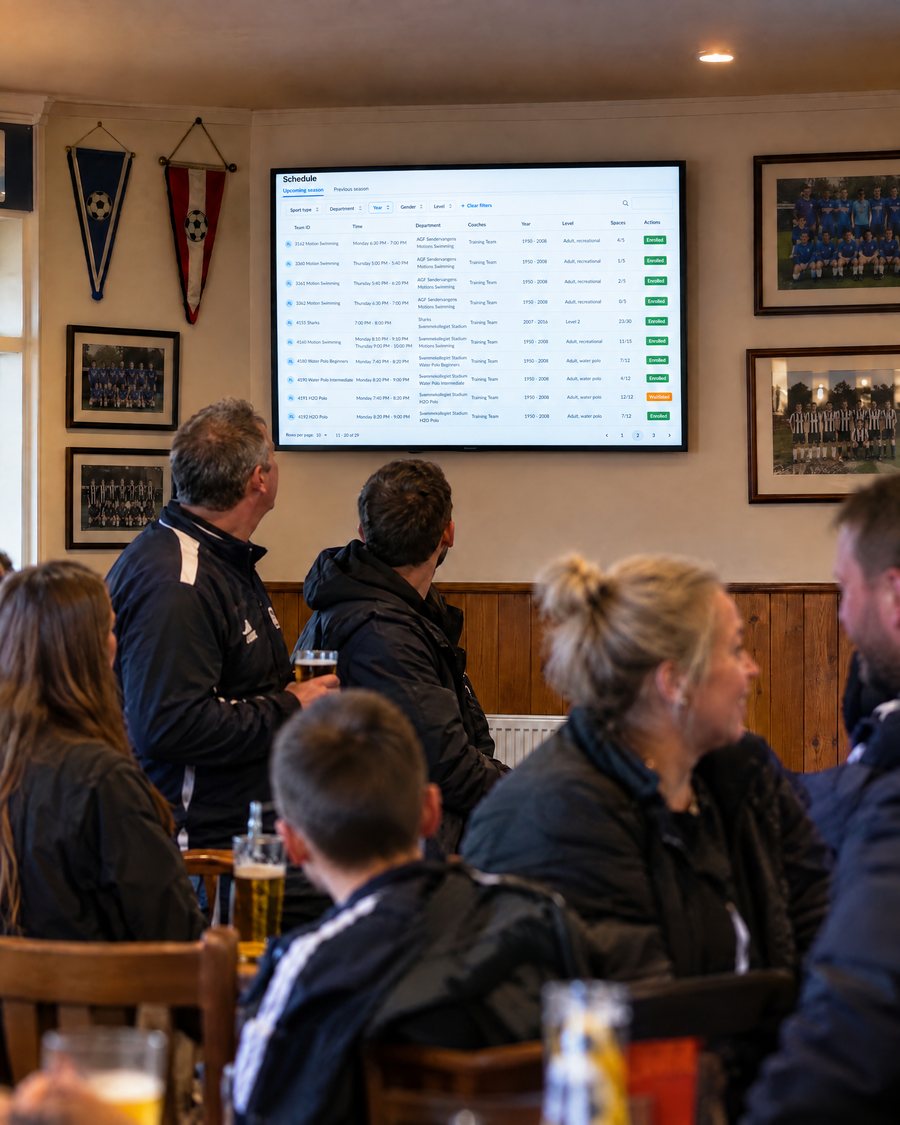
Show which pitches and halls are booked or free, plus pictures, news and weather – on a screen in the clubhouse.
Club information for everyone who walks in
Does your club struggle to get all the relevant information out to members? A monitor and SportMember might be the easy solution.
Just as the club allocates its resources – pitches, halls, changing rooms – to the teams in SportMember, it can set up its own info screens that show which resources are booked or available.
- Booked and available resources
- Pictures, news and weather
- For members and spectators
Pitches & rooms
Club news
What the info screen shows
Member information from SportMember, on the wall where everyone can see it.
Booked or available – at a glance
The info screen shows which of the club’s resources are booked and which are available, taken from the club’s resource allocation in SportMember.
Visitors can see which pitch is being used on a given date and time without asking at the bar.
- Pitches, halls and courts
- Changing rooms
- Taken from the resource plan
Today’s allocation
LivePictures, news and weather
The info screens can also share other relevant content such as pictures, news and weather updates.
That gives you digital signage for the clubhouse built on the member information you already have in SportMember.
- Club pictures
- Club news
- Weather updates
Info screen content
Your choiceMembers, parents and spectators
The info screen is designed for both club members and visitors. If some members don’t have the SportMember app to hand in the clubhouse, the screen still keeps everybody up to date.
Put it by the entrance, in the bar or outside the changing rooms – wherever people ask “which pitch are we on?”.
- No app needed to read it
- Visitors and spectators
- Wherever people gather
Where to put it
ClubhouseThe clubhouse noticeboard, updated by itself
No paper on the wall
The screen shows the current plan, so nobody needs to print and pin up a new version.
Same data as the club
It shows the resource allocation the club already manages in SportMember.
Everyone included
Members without the app and visiting spectators see the same information.
What clubs say about SportMember
“We communicate far more effectively now, and the shared calendar is simple for everyone.”
“A great app for our club to communicate and stay connected.”
“The app is really good for organising all our dates and events.”
Why show club information on a screen?
Most questions in the clubhouse are the same: which pitch, which changing room, what’s on this week. An info screen answers them before anyone has to ask.
Behind it is the club’s resource management in SportMember – the same plan the coaches use.
Frequently asked questions about the info screen
What does the info screen show?
Who is the info screen for?
Where does the content come from?
Do people need the app to see the information?
What do we need to get started?
Ready to digitalise your clubhouse?
Set up your club for free, set up your resources and put the plan on the wall.
Free Basic plan · No commitment · Ready in minutes